Aluminium and copper are reacting differently to the same conflict. Aluminium faces real supply shocks – force majeure, halted smelters, surging premiums and constrained output – creating a price floor Copper’s rise reflects risk pricing amid ample supply, leaving it vulnerable to rapid reversal.
The market has moved in two phases:
Phase one: visible stocks rose and prices fell.
Phase two: available stocks tightened and prices recovered.
Copper did not fall because demand disappeared. It fell because inventories rose. It recovered because available metal still looked scarce.
Zinc sent mixed signals in March: a big warehouse build and price dip looked bearish, but the market absorbed it fast. The real issue is structural – mine supply is rising faster than refining capacity, with smelter constraints and demand uncertainty capping prices for years.
Below are examples of Ghost’s expansive editing toolset designed to accommodate the extensive needs of modern creators.
Headings
Header tags are what keep your content away from absolute chaos in terms of visual organization. They help your readers understand your writing, they help search engines determine your content.
Heading 1
Heading 2
Heading 3
Heading 4
Heading 5
Heading 6
Callouts
Ever find yourself wanting to add extra styling to important information in your posts? Well, now you can with callout cards. Each callout card can include an emoji, any length of text with styles and links, and a custom background color.
👻
Create your own platform on the web. Ghost is a powerful app for new-media creators to publish, share, and grow a business around their content.
🎉
It comes with modern tools to build a website. Publish content, send newsletters & offer paid subscriptions to members.
✍️
Publish by web & email newsletter. An editor built from the ground-up for professionals. Calm by design, with advanced workflows by default.
Quotes
You can make quotes stand out with two types of blockquote styles that can be applied directly in the editor.
Ghost is a fully open source, adaptable platform for building and running a modern online publication
Bookmarks
When using a URL with the right meta information, it can show the page title, excerpt, author, publisher and even a preview image. This is a great way to share links from sites that don't have automatic embeds.
Display products beautifully with custom content including an image, description, button or rating, so you can add your favorite recommendations to any post.
Basho
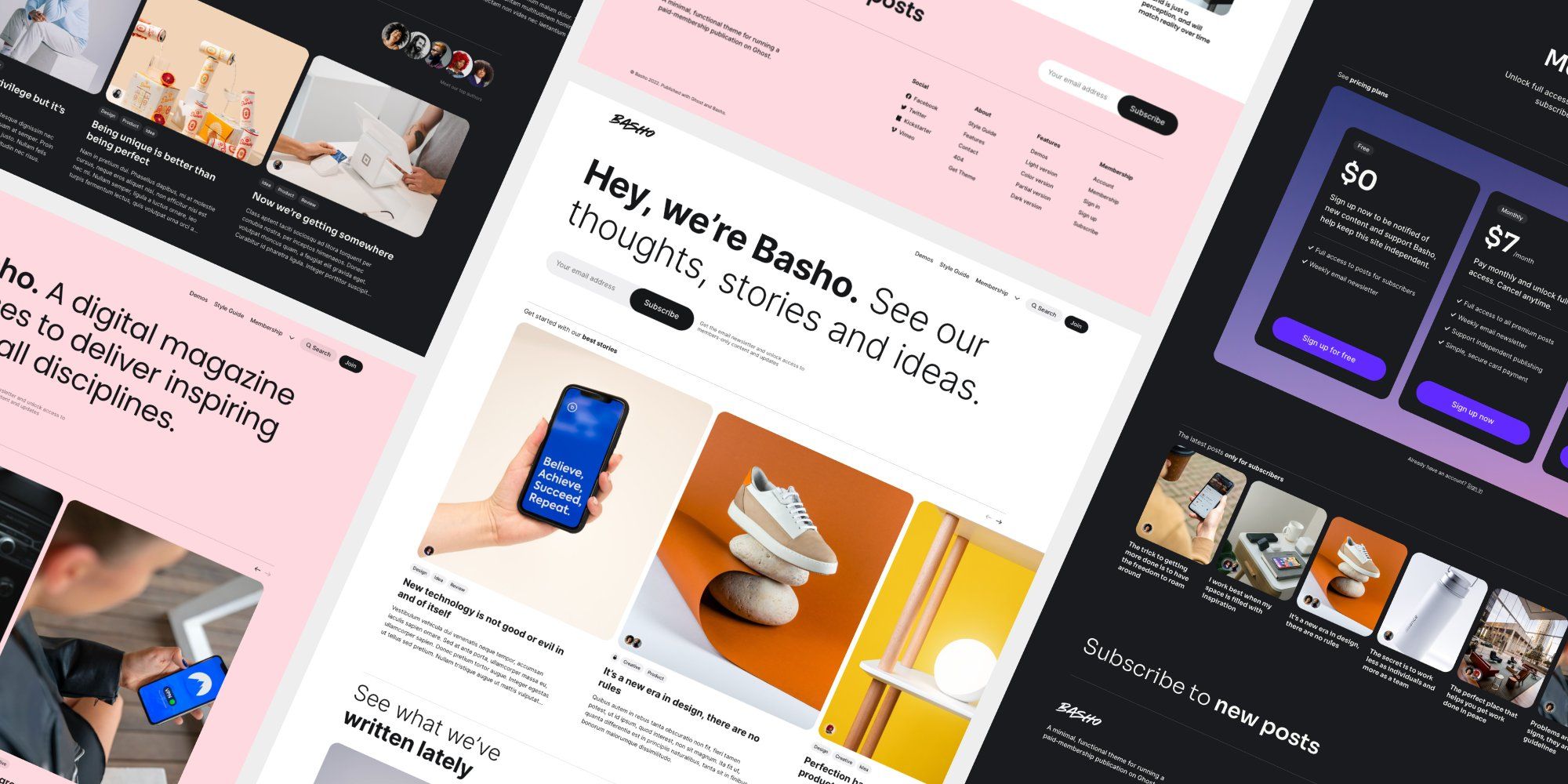
Basho is a multipurpose Ghost theme with a creative touch. Carefully designed with new technology enthusiasts in mind, however, it can easily be used in other areas. Play around with layouts, colors and fonts — create with Basho.
Once you start mixing text and image cards creatively, the whole narrative of the story changes. Suddenly, you're working in a new format. Once inserted you can blend images beautifully into your content at different sizes (normal, full, and wide) and add captions wherever needed.
Ghost supports image galleries for up to 9 images at a time, all of which are responsively optimised and organised to look their best no matter how many images you add or remove.
Headers
Make a statement with bold section headers in your posts and pages. Insert a header card to add a full width divider that can include a title, subheading, accent color or image background, and a button.
Build your audience
Create your own platform on the web. Ghost is a powerful app for new-media creators to publish, share, and grow a business around their content. It comes with modern tools to build a website, publish content, send newsletters & offer paid subscriptions to members.
It’s possible to upload audio files directly to your posts! This means you can share audio content with your audience, with a beautiful media player that nests into your posts and emails seamlessly. Music by Zen_Man from Pixabay.
Modular ambient 02 790
0:00
/40.045688
File
You can add downloadable files to your posts in Ghost. File uploads can be used to share multiple types of content with your audience. Files display in your content with a custom name and caption, like this:
Use the Toggle card to create collapsible sections of text in your posts and pages. Great for creating distinct sections in your content, or adding an FAQ section.
When should I use Toggles?
Use the Toggle card to create collapsible sections of text in your posts and pages. Great for creating distinct sections in your content, or adding an FAQ section.
Where can I take Ghost for a spin?
Use the Toggle card to create collapsible sections of text in your posts and pages. Great for creating distinct sections in your content, or adding an FAQ section.
Links
If you paste in a URL, like https://fueko.net - it'll automatically be linked up. But if you want to customise your anchor text, you can do that too! Here's a link to the fueko website.
Lists
Unordered list
Item number one
Item number two
A nested item
A nested item
A final item
Ordered list
Item number one
Item number two
A nested item
A nested item
A final item
Highlighting
Highlighting text on a web page can help bring important information immediately to the reader's attention. When creating a highlighting text, all you need to do is add a == before and after your text in Markdown card.
Tables
#
Heading
Heading
Heading
Heading
Heading
1
Cell
Cell
Cell
Cell
Cell
2
Cell
Cell
Cell
Cell
Cell
3
Cell
Cell
Cell
Cell
Cell
Code
Code can be presented inline, like <code>. When creating a code text, all you need to do is add a ` before and after your text. In the editor ``` (three backticks) defines a code block.
.awesome-thing {
    display: block;
    width: 100%;
}
Register for updates
Stay connected with our latest developments. Share your details to receive updates and analyses from LME Insight.